

Introduction
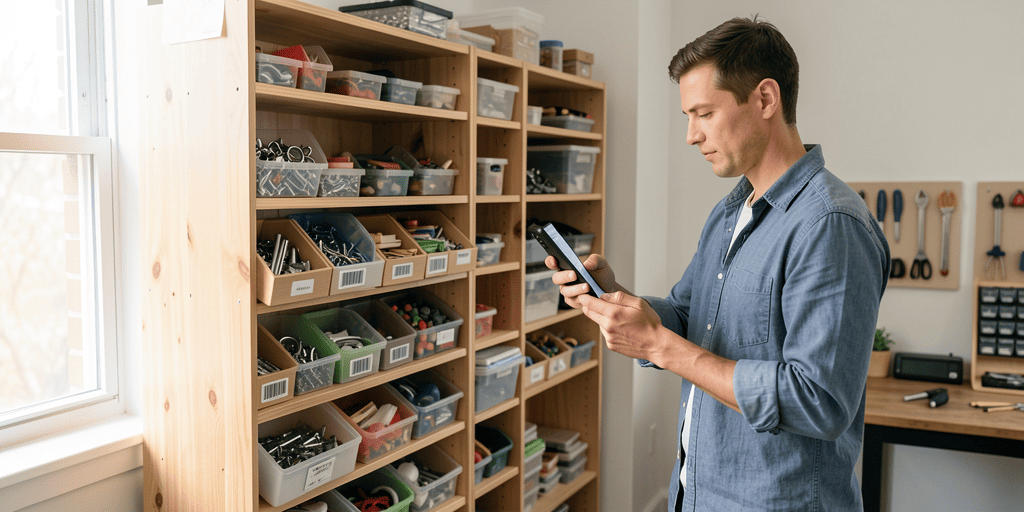
It is not simple to run a small business in the Philippines. You juggle many hats. You face customers, manage funds, buy stocks, and supervise your employees. With these many tasks, most small business owners have the tendency to neglect proper inventory management. But using an inventory system for small business Philippines—paired with a reliable sari-sari store POS—can make a big difference.
If you do not manage your inventory effectively, you can sell out of the items your customers want. Or you can hold too much of the items that are not selling. This is a waste of money and space.
A good inventory system for small business Philippines solves this problem. It keeps track of all your merchandise, saves time, and gives you peace of mind. Many owners now look specifically for a sari-sari store POS that combines selling and stock tracking in a single, easy-to-use tool.
What Is an Inventory System?
An inventory system helps you organize and keep a record of your products. It informs you:
- What you have on hand
- What’s in short supply
- Which items are selling fast
- Which items aren’t selling at all
- When to reorder merchandise
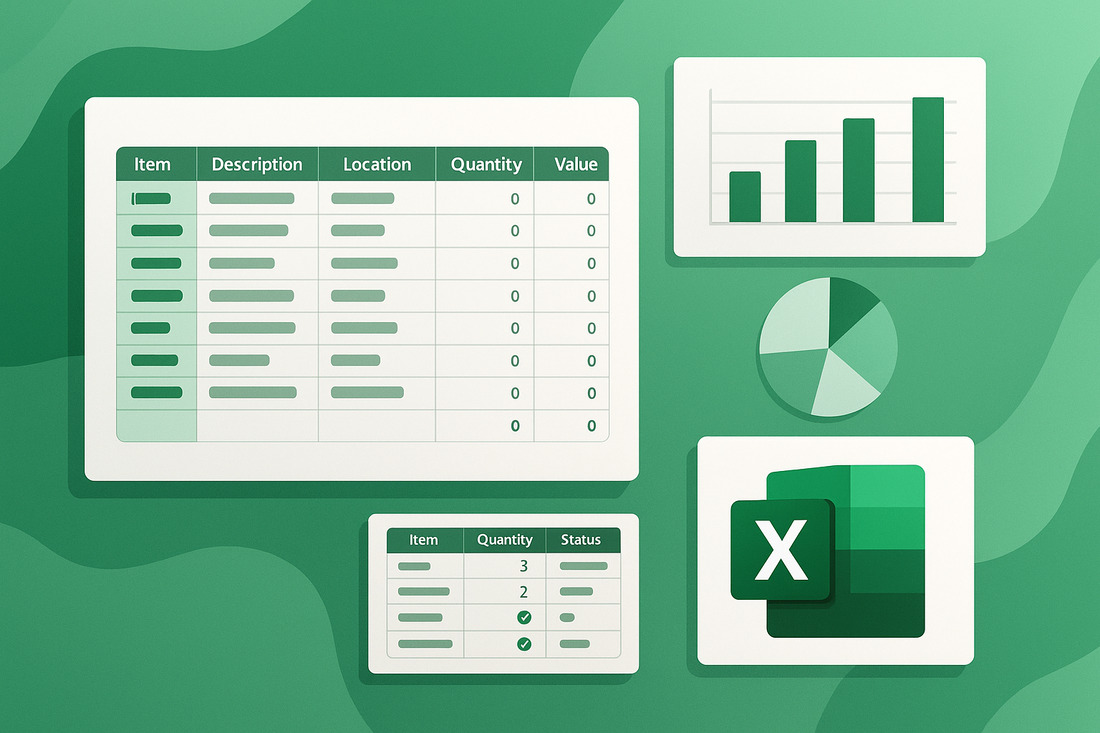
Others use notebooks or spreadsheets to keep track of their stock. But it is hard work and full of mistakes. A better way is to use a computerized system—a program or mobile app that will automatically update your stock in real time. For many owners, this comes in the form of a sari-sari store POS, which updates your inventory the moment a sale is rung up instead of requiring a separate manual count later.
Why Most Small Businesses in the Philippines Fail at Inventory
Most small businesses in the Philippines have the same problems. Let’s look at some of the common ones:
- Not Enough People: Small businesses generally do not have a lot of employees. Oftentimes, the owner does everything.
- Limited Cash: Small businesses do not have surplus money. Your funds will be tied up if you over-order the wrong item.
- Old Methods: Owners still use pen and paper occasionally. These can get lost or contain errors.
- Seasonal Variations: Fiestas, holidays, and school openings can change overnight what people buy. You cannot plan.
- No Reports: You cannot easily see what’s selling and what’s not without the numbers.
Why You Need an Inventory System
Most of these problems can be solved by a good small business Philippines inventory system. It enables you to:
- Save time and effort
- Avoid running low on bestsellers
- Avoid overstocking slow-moving items
- Discover what your customers really want
- Get ready for holidays and busy days
- Keep your cash flowing
What to Look for in an Inventory System
You don’t need a complicated or expensive system. You just need one that works for you. Here are the best features to look for:
- Real-time Tracking: See what you have right now—not yesterday.
- Barcode Scanner: Makes sales and stock checks faster and more accurate.
- Works on Phone: Check your stock even when you’re not at your store.
- Easy Reports: See what’s selling fast, what’s slow, and what needs restocking.
- Multi-Branch Support: If you have more than one store, manage them in one place.
- User-Friendly: You and your staff can use it without needing tech skills.
Why Consider a Sari-Sari Store POS?
A sari-sari store POS (point-of-sale) system does more than just ring up a sale—it’s the front door to your entire inventory. Every time you scan or key in an item at checkout, a good sari-sari store POS automatically deducts that item from your stock count in the background. This means you get accurate, real-time inventory without ever having to stop and do a separate manual tally, which is especially valuable when you’re the only person minding the store.
What sets a sari-sari store POS apart from a general inventory app is that it’s built around the actual selling moment. It handles a cash drawer or digital till, prints or sends receipts, and in many cases accepts GCash or PayMaya payments alongside cash. For sari-sari stores specifically, a good POS also needs to handle items sold per piece or repacked into smaller portions—like a single stick of cigarette, a sachet of shampoo, or a “tingi” pack of coffee—rather than assuming everything is sold by the full retail unit.
When choosing a sari-sari store POS, look for one that works offline, since many neighborhoods still have unreliable internet, and syncs your sales data once you’re back online. It should also be simple enough for a family member or part-time helper to use after a short walkthrough, since most sari-sari stores don’t have the luxury of a dedicated cashier or IT staff. Low or no monthly subscription fees matter too, given how tight margins already are on a typical sari-sari store’s daily sales.
Ultimately, pairing a sari-sari store POS with your inventory system closes the loop between selling and stocking. Instead of treating sales tracking and inventory counting as two separate chores, a POS turns every transaction into an inventory update, giving you one accurate source of truth you can check anytime on your phone.
How to Begin Using an Inventory System
Starting may feel overwhelming. Here’s how to make it easy:
- Choose the Right System: Pick one that fits your business needs.
- Learn the Basics: Use online tutorials or guides.
- Train Your Staff: Show them how to use the system properly.
- Start with Top-Selling Products: Track your bestsellers first.
- Check Inventory Weekly: Keeps your stock records accurate.
- Use the Reports: These help you make smart decisions.
Benefits of Using an Inventory System
When you use a good inventory system, everything gets easier:
- Save Time: No more daily counting.
- Save Money: Avoid overbuying.
- Know What Sells: Track your bestsellers easily.
- Avoid Out-of-Stock: Always have customer favorites.
- Plan Ahead: Prepare for holidays and busy seasons.
- Grow Your Business: Easier to open new branches with organized stock.
Challenges and How to Solve Them
Here are common problems and how to fix them:
❌ Problem: “I’m not good with computers.”
✅ Solution: Use a beginner-friendly app like Compygo Inventory & POS.
❌ Problem: “My staff won’t use it.”
✅ Solution: Show how it saves time and offer quick training.
❌ Problem: “It takes too much time.”
✅ Solution: Start with a few products and build from there.
Tips to Make Inventory Systems Work Better
- Update your stock after every sale or delivery
- Use simple product names and categories
- Set reminders to check inventory
- Review sales reports every month
- Don’t be afraid to ask for help from app support
Final Thoughts
Running a small business in the Philippines isn’t easy—but with the right tools, it gets better. A good inventory system for small business Philippines, especially one built around a reliable sari-sari store POS, can save time, increase sales, and help your business grow.
You don’t need a big budget to get started. Most systems are free or affordable. What matters most is that you start.
If you’re ready to stop guessing and start growing, try one of the inventory systems we mentioned. It might be the best move you make for your business this year.
Good luck, boss! You got this! 💪