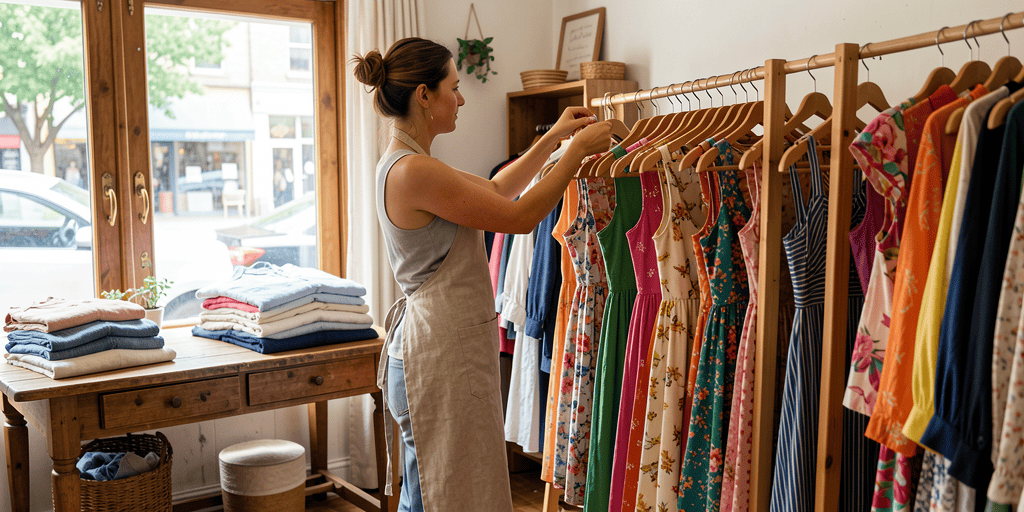
Flexible Fashion Inventory, Boutique Sales & Purchases
ake control of your apparel business by organizing clothing collections across multiple retail locations. Set custom attributes for sizes, colors, and seasons , quickly scan barcodes in bulk with the Smart Scanner, and effortlessly manage customer sales orders and wholesale purchases.

Fashion Inventory FAQ
Use tags and custom attributes to organize your fashion inventory exactly how you sell it. Create tags for size (S, M, L, XL) and color, then filter your product list instantly by any combination — perfect for finding all “Blue, Size M” items in seconds. For more detailed variations (like fabric type, season, or supplier), add custom attributes with the field type that fits. Everything stays organized without cluttering your product names.
Yes. The app’s location management feature lets you set separate quantities for the same product across different places — for example, your storefront and a stockroom or warehouse. When stock moves between locations (like restocking the shop floor from the warehouse), you record it as a “Move” transaction, and every quantity change — sales, restocks, audits — is logged automatically in your transaction history.
Create sales directly from your phone — assign products, apply discounts (like 20% off last season’s stock), and set tax groups per product if apparel and accessories are taxed differently. Mark a sale as “draft” while a customer decides, or “completed” once it’s done, and attach a customer to build a history for repeat or wholesale buyers. Stock quantities update automatically with every completed sale, so your inventory stays accurate without manual recounts.