Free Bulk Barcode Generator
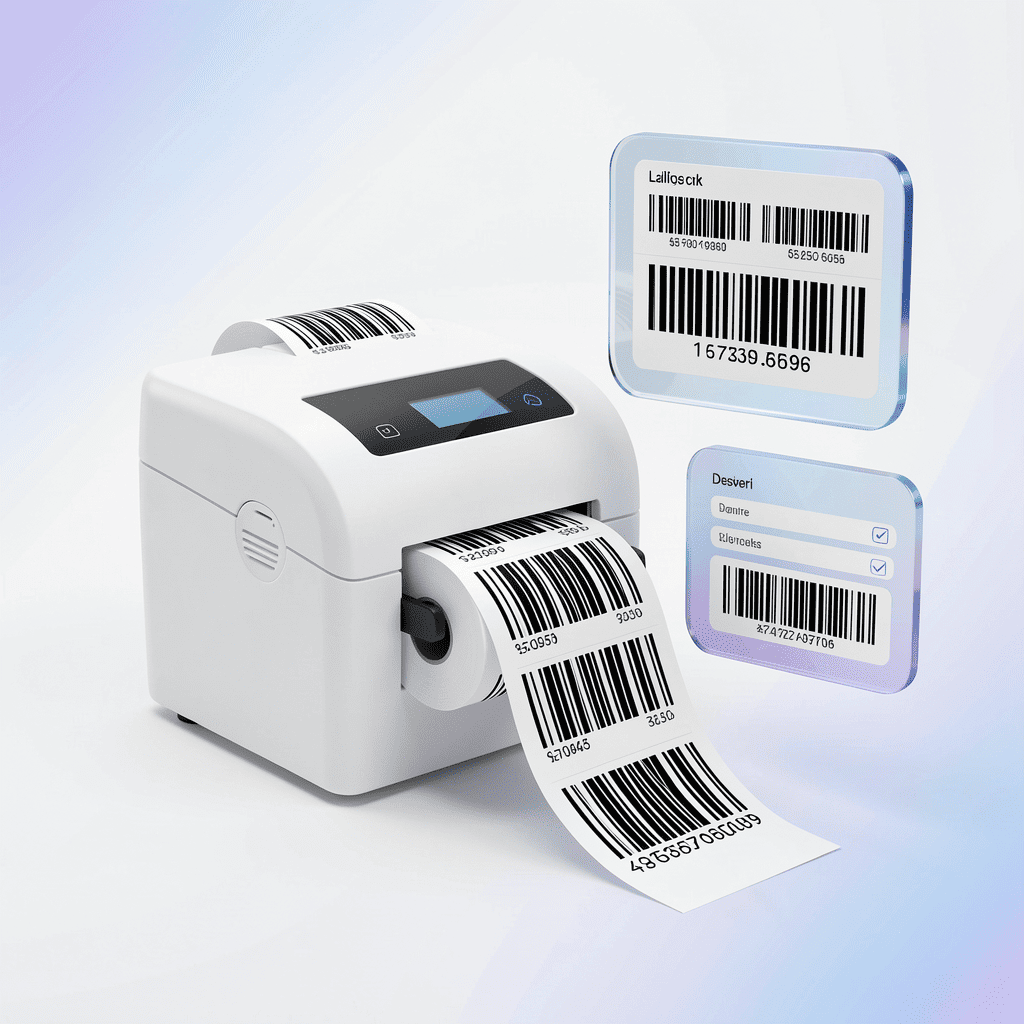
Design label sheets for QR codes or barcodes, import your data from CSV or Excel, and print — everything runs in your browser. Your data never leaves your device.
Key Features
Convert spreadsheets into custom, ready-to-print barcode and QR label sheets directly in your browser with complete data privacy and zero server uploads.
Bulk Data Import from CSV / Excel
Flexible Label Customization
Individual Copy Control
Built for every business type
Unlock the power behind the barcode 🚀
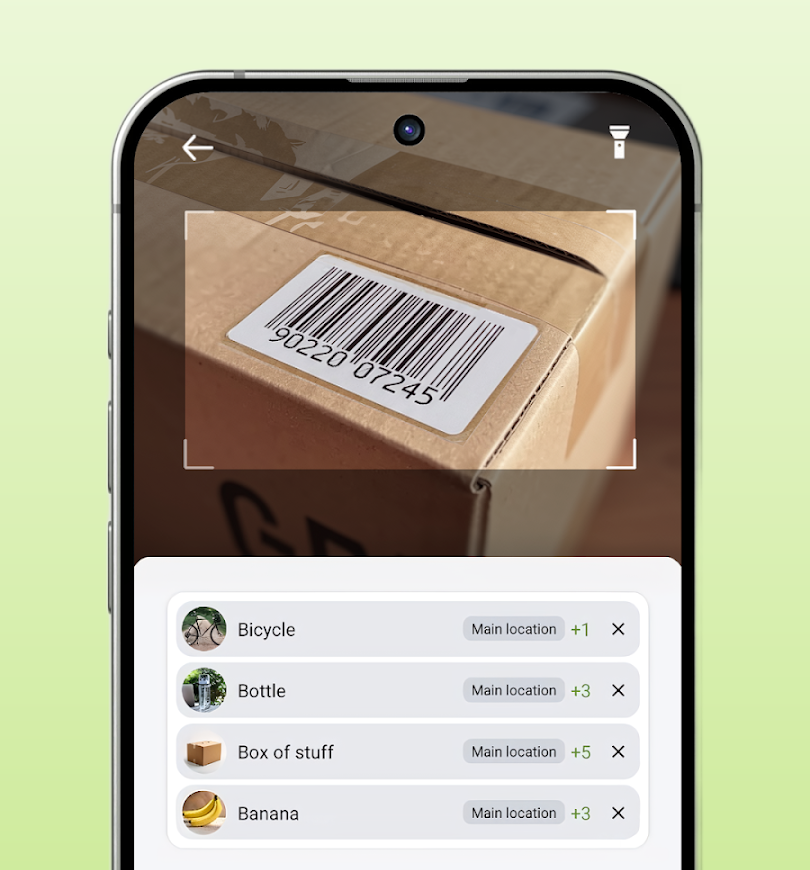
Take full control of your business with Compygo Inventory App. Scan barcodes with your smartphone camera, track stock levels across multiple locations, manage sales orders, and issue receipts — all from one simple mobile app.
Frequently Asked Questions
How do I structure my CSV or Excel file?Your CSV or Excel file should contain four columns: Title, Description, Barcode (text, numbers, or URLs), and Copies (quantity needed). Upload your file or paste your rows directly into this free bulk barcode generator to instantly format your entire batch.
Can I set custom label quantities for each row?Yes. By setting a number in the Copies column for any item, this free bulk barcode generator automatically duplicates that specific label or QR code as many times as you need within a single print sheet layout.
How do I print or save labels to PDF from this free bulk barcode generator?Simply click the Print button inside the app. This opens your browser’s native print interface, where you can send the labels directly to your thermal printer or select “Save as PDF” to export print-ready label sheets.
Is my inventory data secure when using this barcode & QR code generator?Yes, 100%. This free bulk barcode generator processes everything locally inside your web browser. Your inventory list, product descriptions, and barcode data are never uploaded to any server or stored externally.