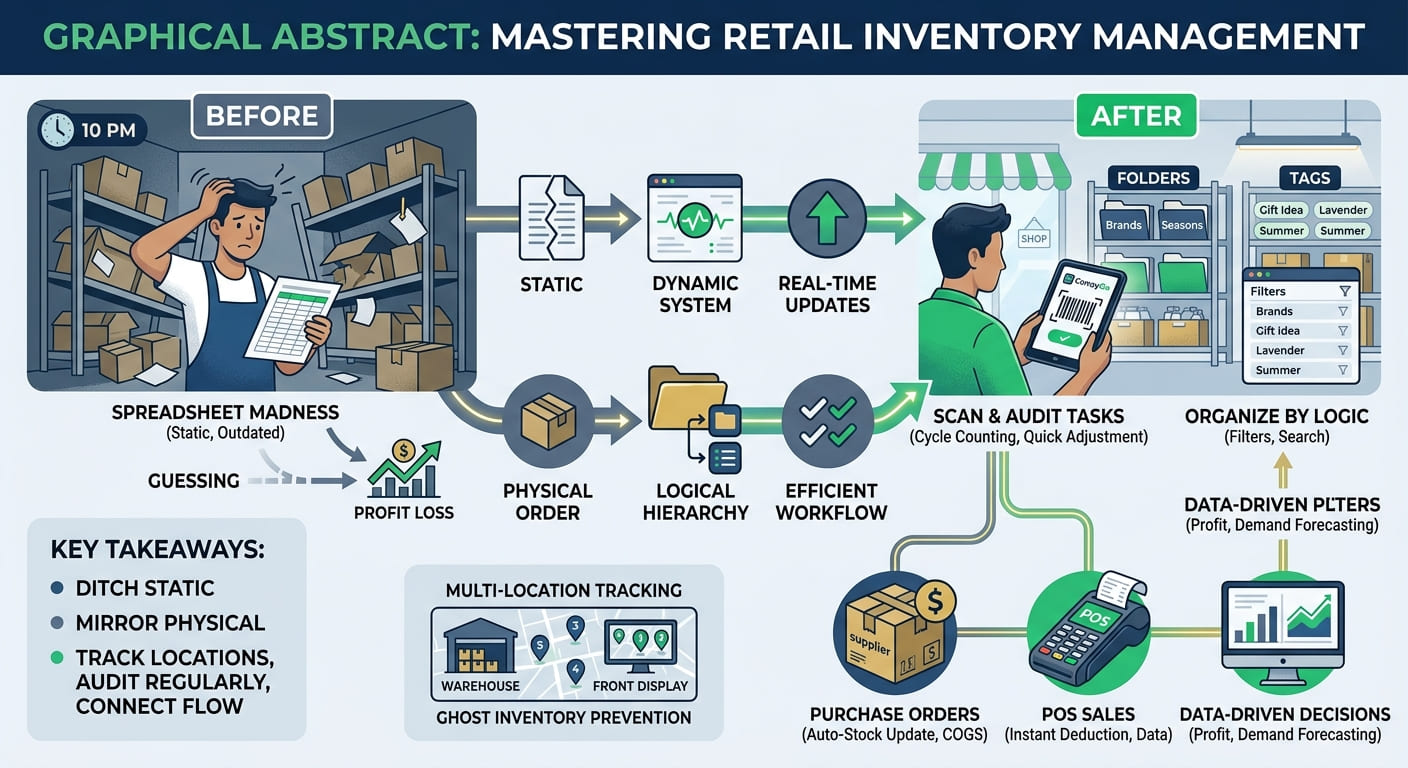
Precision Jewelry Inventory, Sales Orders & Supplier Purchases
Manage high-value pieces and materials with flawless accuracy. Use custom attributes to track karat, weight, and gemstone details , manage your stock across different boutique locations , and process sales orders or incoming purchases seamlessly right from your phone.
Jewelry Inventory FAQ
Use custom attributes to capture the specific details that matter for jewelry — carat weight, metal type, gemstone, purity, or certification number — with field types built for the job: number fields for carat and price, select fields for metal or gemstone type, and text fields for certificate IDs. Your product list can then be sorted and filtered by any of these attributes, so finding “all 18k gold rings” or “diamonds above 1 carat” takes seconds instead of scrolling through your entire catalog.
Folders let you build a category structure that mirrors how your store is organized — rings, necklaces, earrings, bracelets, and any subcategories underneath. Tags add a second layer of organization on top, so you can mark pieces as “Bridal,” “New Arrival,” or “On Consignment” and filter your product list by tag instantly. Together, folders and tags keep a high-SKU jewelry inventory searchable and easy to manage, even as your collection grows.
Yes. Location management lets you assign separate quantities to each place you store jewelry — showroom display, safe, or workshop for repairs — and every time a piece moves between them, it’s logged as a transaction with a note and reason. This gives you a clear, auditable history of where each item has been, which matters for high-value inventory like jewelry where precise tracking and loss prevention are essential. Your product list can show quantity for one specific location or a summarized total across all of them.
Create sales directly from your phone — assign pieces to the sale, apply discounts or custom charges (useful for loyalty clients or bundled sets), and set tax groups per product if fine jewelry is taxed differently than costume pieces in your region. Mark a sale “draft” while a customer is deciding between pieces, or “completed” once it’s finalized, and attach a customer to build a purchase history — ideal for tracking repeat clients or special orders.