Smart Retail Inventory & Orders — Directly on Your Phone
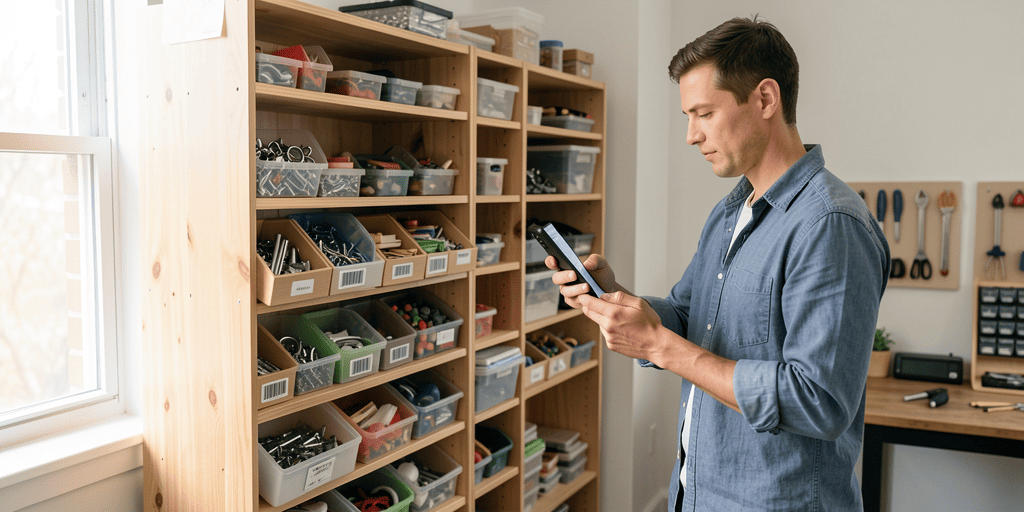
Turn your phone into a powerful barcode scanner and mobile POS. Track stock levels across sales floors and stockrooms, manage purchase orders and customer sales, print receipts, and set custom attributes without manual double-entry.
Retail Inventory FAQ
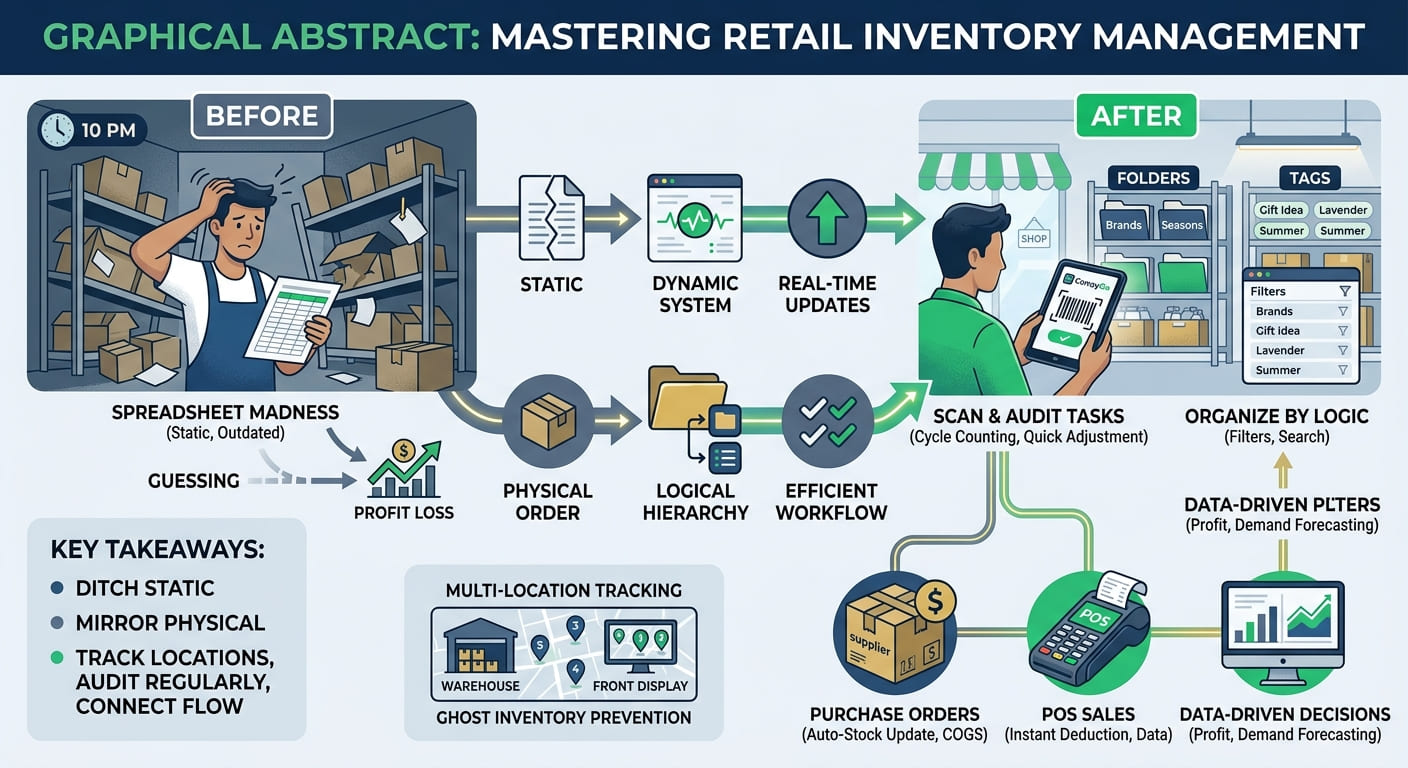
The app allows you to define different quantities for a single product depending on its physical location. You can track your stock levels across different sales floors or stockrooms directly from your smartphone. On your product list, you have the flexibility to display the quantity for one specific location or view the summarized quantity across all your storage areas.
Yes, the app functions as a simple Point of Sale (POS) system that allows you to create sales orders right from your phone.
You can assign products to customer sales, flexibly edit taxes and discounts, and apply custom charges during the sale creation. Once a transaction is completed, you can easily issue a receipt to the customer.
Absolutely, you can tailor your product data using Custom Attributes. You can create, update, and remove custom fields to track unique product details like sizes or colors.
The app supports nine different field types, including text, numbers, dropdown selects, and checkboxes, allowing you to organize your catalog exactly as your retail business needs.
You can use the built-in Smart Scanner to quickly update item data in bulk using your phone’s camera. The Smart Scanner lets you define specific tasks, such as increasing quantities by a predefined amount, and apply these actions to multiple products simply by scanning their barcodes. This allows you to process incoming purchases and perform fast inventory updates without manual double-entry.